
Welcome to the iPhone Setup Guide!
This guide will show you step-by-step how to set up your iPhone or iPad for the first time. Let's get started!
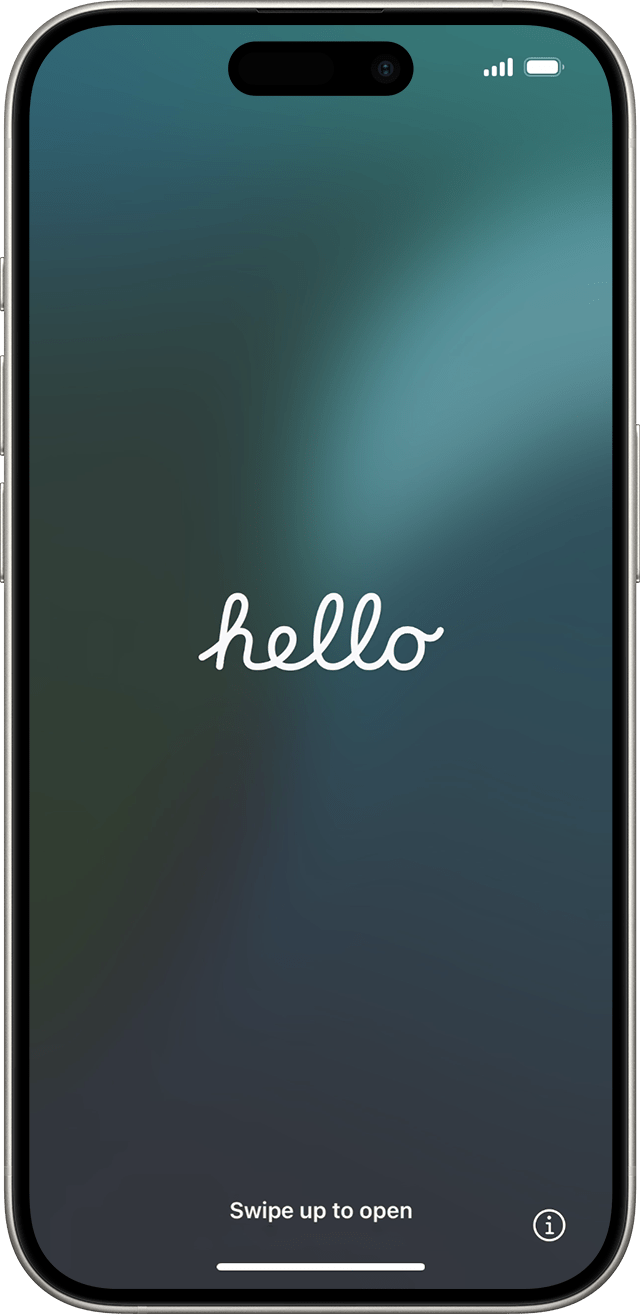
Steps to Set Up Your iPhone:
- Step 1: Turn on your iPhone or iPad.
- Step 2: Choose the size of text and icons on your phone.
- Step 3: Use Quick Start or set up manually.
- Step 4: Activate your iPhone or iPad.
- Step 5: Set up for you or for a child.
- Step 6: Set up Face ID or Touch ID and create a passcode.
- Step 7: Restore or transfer your data and apps.
- Step 8: Sign in with your Apple Account or another Apple device.
Step 1: To begin, power on your iPhone or iPad by holding the power button. Ensure your device is charged before starting.